AI Product Background Generator & Studio Scene Creator
Standard background removal tools leave your product looking like a floating cardboard cutout. Moonovi’s AI background generator calculates actual 3D geometry to synthesize physically accurate contact shadows, ambient bounce light, and luxury studio surfaces.
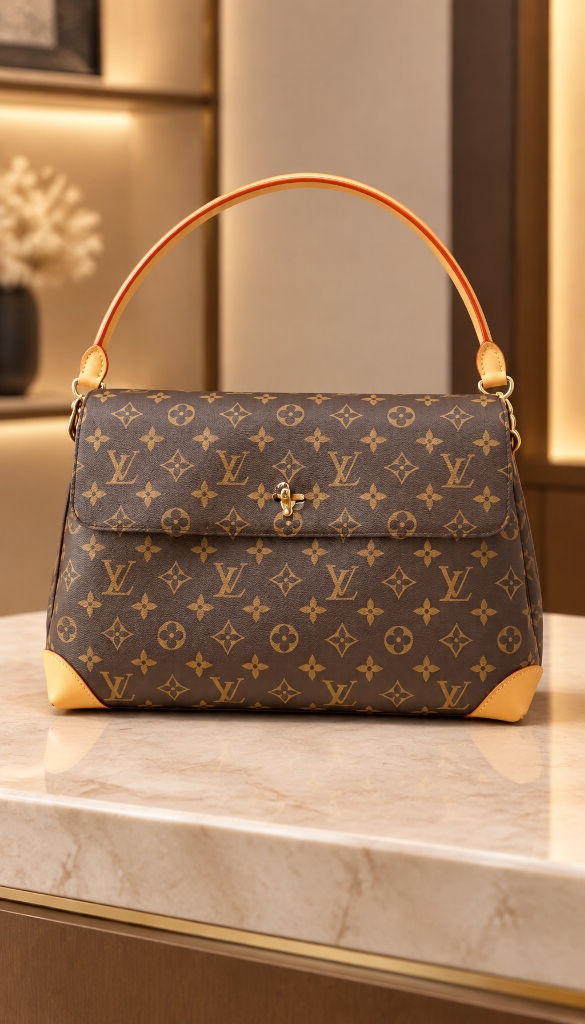
Traditional Photo Studios vs Moonovi
Why high-volume ecommerce brands are replacing physical shoots with AI product photography.
Engineered for Exact Product Fidelity
Sub-pixel edge masking and calibrated commercial lighting models.
Ambient Occlusion & Contact Shadows
Generates deep, subtle contact shadows where the product touches the surface, eliminating the floating effect common in basic background removers.
Surface Light Reflection Matching
Matches the bounce light from the background surface (e.g. warm terracotta reflection or cool white marble sheen) onto the base of the product.
Architectural & Organic Scene Presets
Choose from polished marble, raw concrete, weathered wood, silk fabric, natural stone pedestals, or contemporary minimalist pastel environments.
Depth-of-Field Blur Simulation
Realistic optical depth-of-field softly blurs the distant background elements while keeping your entire product razor-sharp from edge to edge.
How It Works
From raw smartphone snap to catalogue-ready visual in 3 steps.
Upload Product on Any Background
Upload an image with a white background, cutout PNG, or ordinary room background. The engine automatically detects the product boundaries.
Select Studio Environment
Choose your preferred surface texture, backdrop composition, and lighting direction from curated commercial preset collections.
Download Grounded Studio Visual
Receive a photo with seamless edge blending, true physical shadows, and realistic environmental reflections in 15 seconds.
Versatile Backgrounds for Every Product Type
From minimalist e-commerce white to editorial lifestyle scenes, adapt your product to any aesthetic.
Tabletop Cosmetics & Skincare
Beauty & SkincareWater ripples & frosted glass
Place beauty creams, serums, and fragrances on misty bathroom vanities, wet slate, or frosted glass with botanical branch shadows.
Packaged Food & Gourmet Beverage
Food & BeverageWarm kitchen & pantry counters
Stage wine bottles, olive oils, spice jars, and gourmet snacks on rustic oak counters, marble kitchen islands, and warm sunlit tables.
Electronics & Tech Gadgets
Tech & GadgetsMatte dark slate & modern desks
Showcase headphones, smartwatches, and consumer electronics on sleek dark stone, birch plywood, and contemporary minimalist workspaces.
Footwear & Streetwear Accessories
Footwear & StreetwearRaw concrete & urban plinths
Ground sneakers, caps, and sunglasses on industrial concrete slabs, brick textures, and modern asphalt with sharp directional shadows.
Technical Scope & Background Generation Best Practices
Understand how the scene generator interacts with source product images.
Hard-Clipped Cutouts with Missing Cast Shadows
Best practice: If uploading a pre-cutout PNG, ensure product bottom edges are not artificially flat. The AI synthesizes brand-new realistic contact shadows.
Cluttered Source Backgrounds with Product Colors
Best practice: If photographing a white bottle against a white wall, ensure mild contrast so edge detection accurately separates the bottle silhouette.
Translucent Objects with Background Bleed
Best practice: For clear glass bottles, photograph against a neutral gray or white background so previous room colors do not bleed through the liquid.
Background Generator Showcase
Real examples of plain product cutouts grounded into premium studio environments.
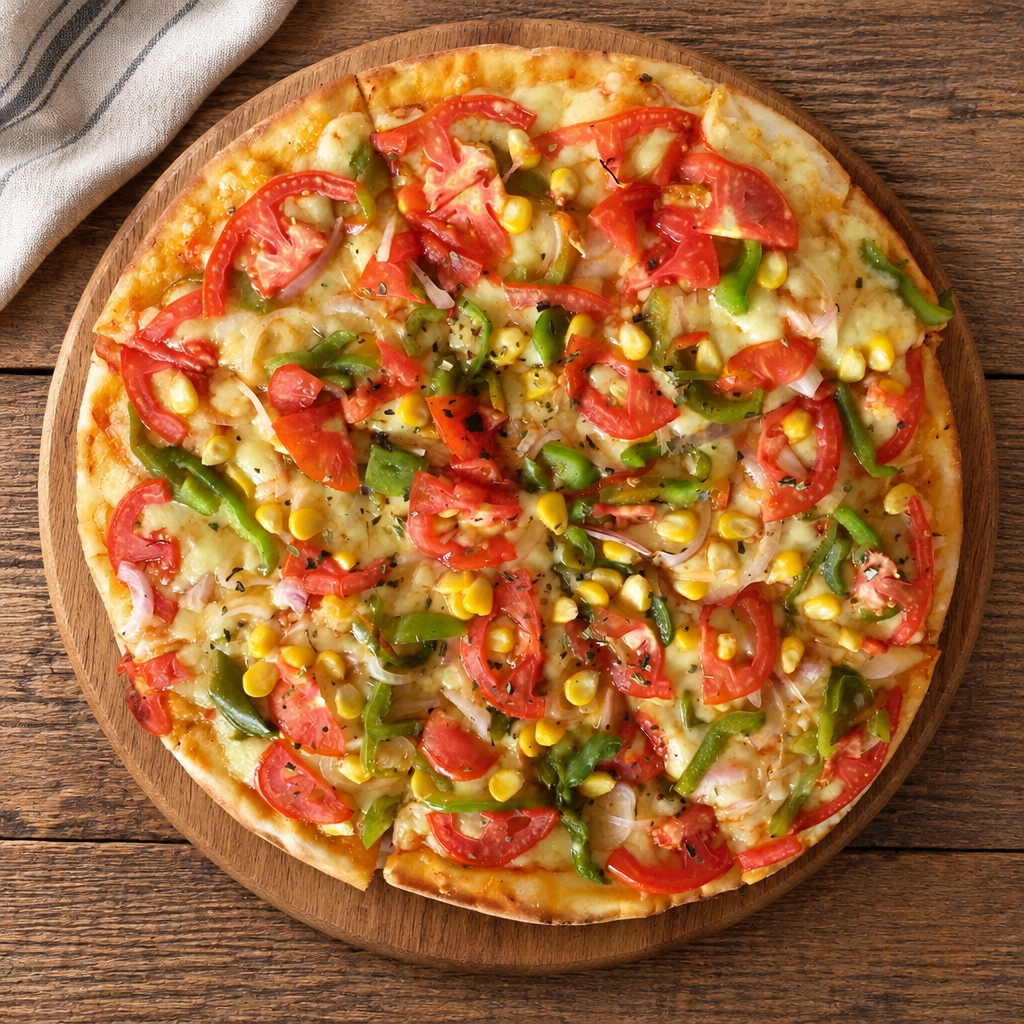
Artisan Hot Sauce Bottle
Surface: Rustic Hardwood Kitchen Table · Light: Warm Morning Window Light
Bottle placed seamlessly on wooden surface with natural glass reflections.
Luxury Suede Crossbody Bag
Surface: Travertine Architectural Pedestal · Light: Soft Directional Daylight
Grounded contact shadow accurately mirrors bag contour on stone plinth.
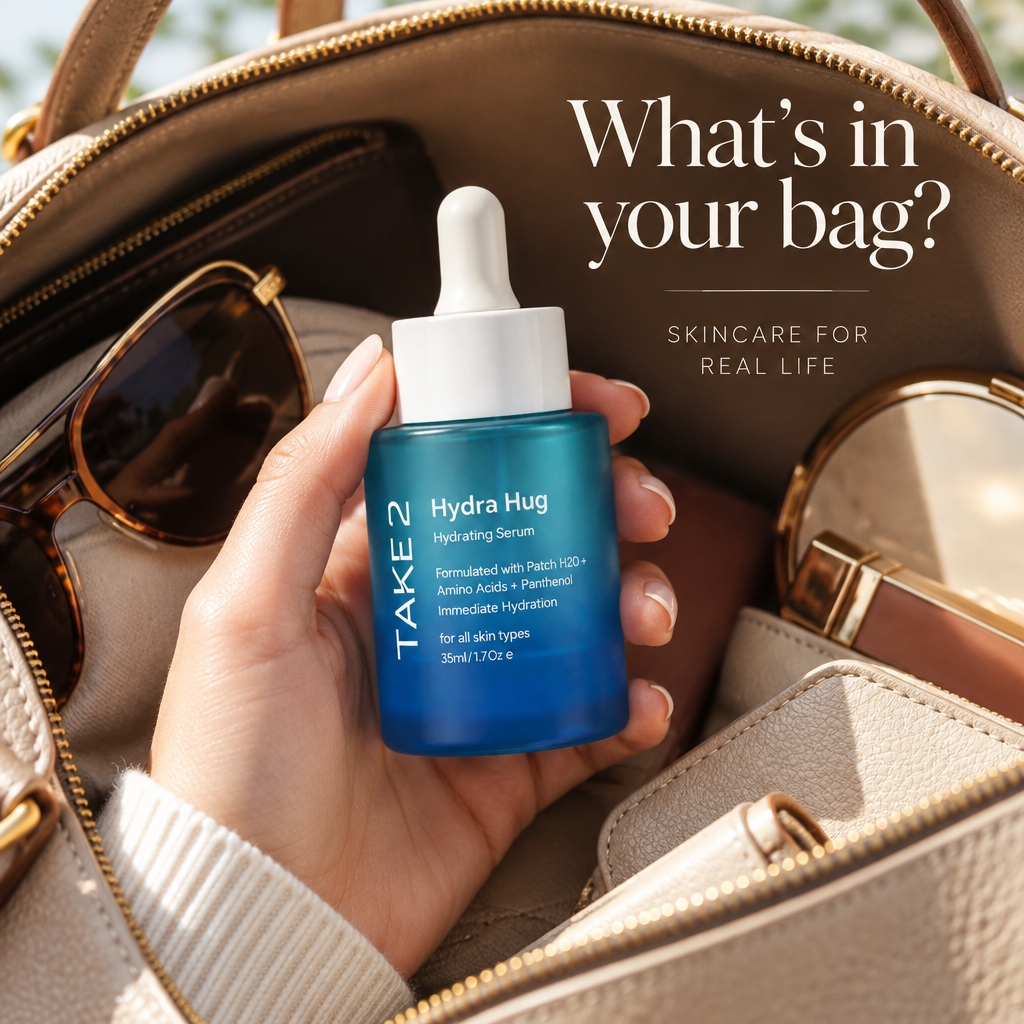
Hydrating Face Serum
Surface: Frosted Glass Plinth with Ripple · Light: High-Fashion Studio Diffused Light
Reflections and ambient occlusion anchor the dropper bottle naturally.
Frequently Asked Questions
How does Moonovi avoid the "cutout sticker" look?
Basic tools simply cut out the product and paste it onto a flat JPEG image without calculating lighting interaction. Moonovi reconstructs the contact boundary in 3D, creating realistic contact shadows (ambient occlusion), surface reflections, and reciprocal bounce light that binds the product to its new environment.
Can I choose specific background materials like marble or concrete?
Yes. Moonovi includes a comprehensive library of real photography surfaces: Carrara Marble, Dark Slate, Raw Travertine, White Oak, Brushed Concrete, Polished Acrylic, and Silk Fabric.
Does the generator work with pre-clipped transparent PNGs?
Yes. You can upload transparent PNG files directly. The generator will recognize the transparent alpha channel and build the full 3D studio background beneath and behind your product.
Can I keep a pure white background for Amazon main images?
Yes. Moonovi provides an Amazon-compliant pure white (RGB 255, 255, 255) studio preset that includes subtle, grounded contact shadows to satisfy marketplace requirements while looking professional.
Related Commercial Solutions
AI Product Photo Generator →
Complete online tool to generate commercial photos in under 15 seconds.
Core EngineAI Product Photography →
Full overview of Moonovi commercial photography platform capabilities.
Shopify GuideAI Product Photography for Shopify →
Create high-converting hero backgrounds tailored for Shopify stores.
Jewellery StudioAI Jewellery Photography →
Specialized marble and velvet staging for rings, necklaces, and watches.
Start Creating Commercial Photos With Moonovi
Claim 2 Free Studio Credits upon email verification. No credit card required. Generate 4K catalogue-ready images in under 30 seconds.