How to Create Commercial Product Photography Without a Studio
You don’t need a $5,000 camera rig or a rented commercial daylight studio to produce high-converting e-commerce product photos. Discover how to shoot clean raw source photos on your phone and transform them into editorial studio renders.
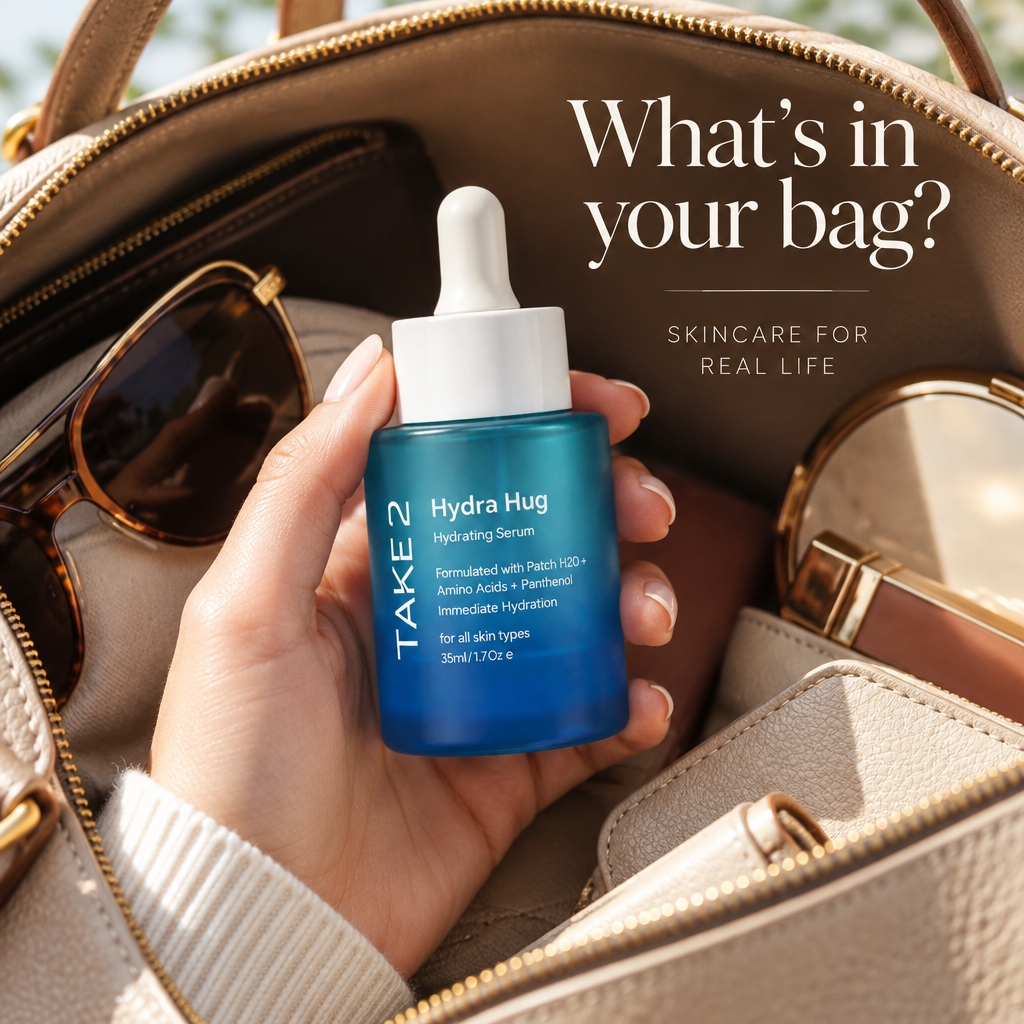
The True Cost of Traditional Studio Photography
Launching a new e-commerce product line traditionally comes with a steep barrier to entry: professional product photography. A single commercial studio day can easily cost between $1,200 and $3,500 once you factor in photographer day rates, studio rental fees, lighting equipment hire, and post-production retouching.
For small-to-midsize brands, direct-to-consumer founders, and marketplace merchants testing new SKUs, spending thousands of dollars before validating demand is a massive financial risk. Fortunately, modern smartphone sensors combined with structural AI staging allow you to bypass physical studio limitations entirely.
Step 1: Master Your Smartphone Capture Setup
The secret to convincing AI-assisted product photography is the quality of your source input. The AI model relies on your original photograph as an immutable geometric anchor. The sharper and cleaner your original photo, the more authentic your final commercial render will look.
Set up a simple shooting area next to a large window during morning or early afternoon hours. Natural, indirect daylight provides soft, even illumination that reveals your product’s true colors and material textures without harsh glare spots.
- ✓Clean your camera lens with a microfiber cloth before every session (fingerprint oils create hazy blowout).
- ✓Use 2x optical zoom rather than 1x wide-angle to eliminate perspective distortion and edge barrel bending.
- ✓Lock exposure and focus by tapping and holding on your product’s primary logo or detail.
- ✓Position a white cardboard or foam board opposite the window to bounce soft fill light into dark shadow areas.
- ✓Never use on-camera flash; harsh direct flash flattens product texture and introduces synthetic glare.
Step 2: Understanding Grounding & Shadow Physics
The single biggest mistake online sellers make is using basic background removers that paste a cutout product onto a stark white or artificial backdrop. Without realistic ambient occlusion and ground contact shadows, the product appears to float in mid-air like a cheap sticker.
Consumers subconsciously register floating products as low-quality or untrustworthy. Grounded contact shadows—where the base of the product meets a physical surface with a tight, dark shadow gradient that gradually diffuses outwards—are essential for conveying weight, substance, and premium craftsmanship.
| Photography Approach | Setup Cost | Time to Publish | Shadow Realism |
|---|---|---|---|
| Traditional Commercial Studio | $1,500–$3,500/day | 7–14 days | Authentic physical lighting |
| Basic Cutout / Background Eraser | Free–$10/mo | 5 minutes | Flat floating sticker (No contact shadow) |
| Moonovi AI Product Studio | $0.12–$0.50/render | 60 seconds | Calibrated 3D ambient occlusion & pedestals |
Step 3: Staging in Calibrated Commercial Environments
Once you have captured a clean, unwarped source photo, upload it to Moonovi. Rather than writing complex text prompts that might alter your product logos or shapes, select a calibrated studio preset tailored to your vertical.
For cosmetics and skincare, frosted glass and water ripple pedestals evoke purity and clinical efficacy. For jewellery, polished Carrara marble or black obsidian plinths accentuate gemstone refractions and metallic lustre. For footwear and tech accessories, architectural concrete cubes provide contemporary urban contrast.
Step 4: Checklist Before Publishing to Your Storefront
Before uploading your newly generated photos to Shopify, Amazon, or social ads, run through this quick quality check:
- ✓Label Clarity: Ensure all brand typography, ingredient names, and net weights are 100% legible.
- ✓Color Accuracy: Verify that metal tones (yellow gold vs rose gold) and fabric shades match your physical SKU.
- ✓Aspect Ratio: Export 1:1 square for standard Shopify/Amazon grids, or 4:5 vertical for Instagram feed ads.
- ✓Resolution: Ensure files are at least 2048 x 2048 pixels to enable high-definition marketplace zoom.
Apply These Principles in Moonovi Studio
Upload 1–3 phone photos and synthesize commercial studio-grade catalogue renders with realistic contact shadows.
Try AI Studio Staging on Your Phone Photos