The Complete Shopify Product Image Size & Aspect Ratio Guide (2026)
Master Shopify’s exact image size standards, avoid blurry marketplace zooms, prevent mobile layout shifts, and produce uniform catalogue photos that convert browsers into buyers.
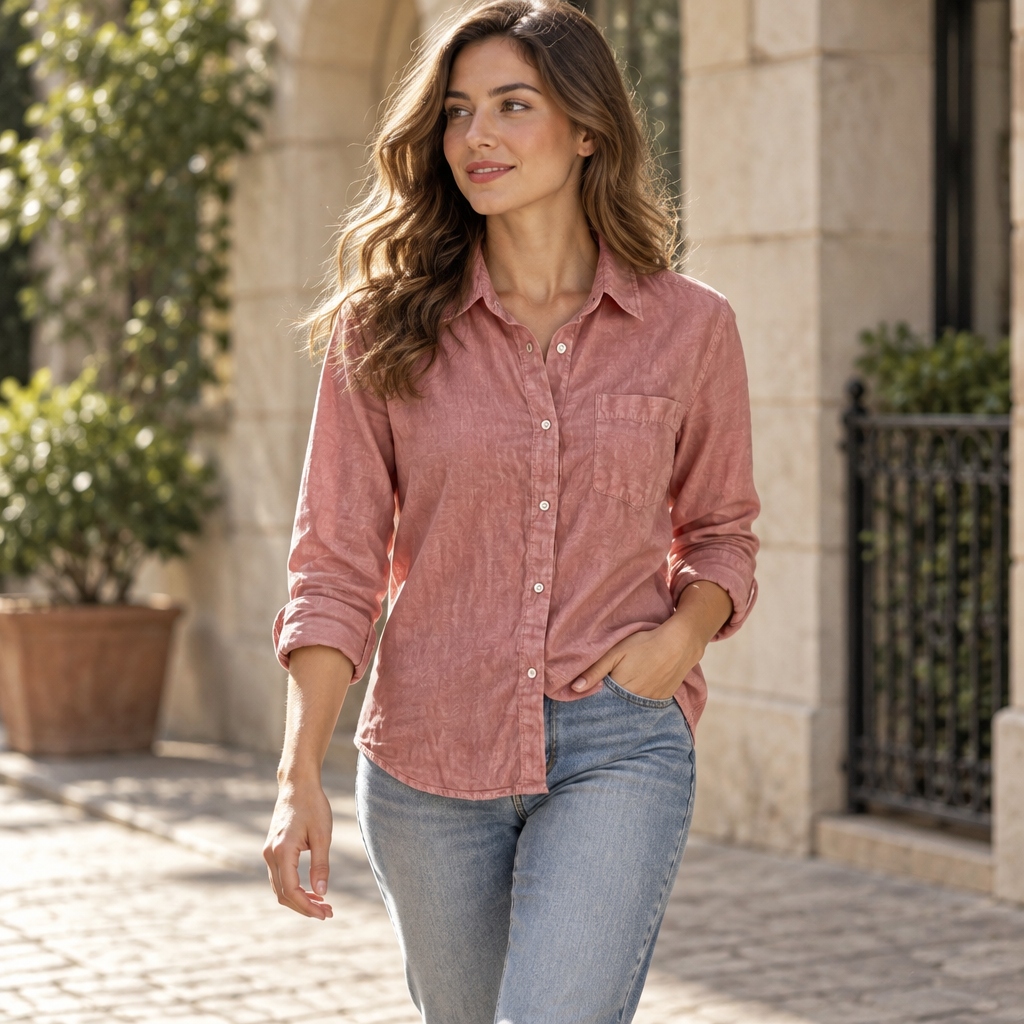
Shopify Image Size Specifications (2026 Cheatsheet)
Getting your product image dimensions right on Shopify is one of the highest-leverage optimizations you can make. Blurry, low-resolution uploads crush consumer confidence, while oversized uncompressed files slow down mobile page load times and kill SEO rankings.
Shopify allows images up to 4472 x 4472 pixels with a maximum file size of 20 MB. However, uploading maximum-resolution files without optimization harms Core Web Vitals and increases bounce rates. The recommended sweet spot for product zoom is 2048 x 2048 pixels.
| Image Placement | Recommended Dimensions | Aspect Ratio | Target File Size |
|---|---|---|---|
| Product Page Hero / Gallery | 2048 x 2048 px | 1:1 (Square) | < 500 KB (WebP) |
| Fashion / Apparel Lookbook | 2048 x 2560 px | 4:5 (Vertical) | < 600 KB (WebP) |
| Collection Page Thumbnail | 1024 x 1024 px | 1:1 (Square) | < 200 KB (WebP) |
| Homepage Hero Banner | 2800 x 1200 px | 16:9 / 21:9 | < 800 KB (WebP) |
Square (1:1) vs Vertical (4:5): Which Ratio Converts Better?
One of the most frequent debates among e-commerce store owners is choosing between classic 1:1 square imagery and 4:5 vertical imagery.
Square 1:1 remains the gold standard for multi-channel catalogue selling. It renders uniformly across Shopify collection grids, Amazon product pages, Google Shopping feeds, and Instagram shopping carousels.
Vertical 4:5 offers significant conversion advantages for mobile-first apparel and footwear brands. Because more than 75% of DTC e-commerce traffic originates from mobile devices, a 4:5 vertical photo commands roughly 25% more screen real estate than a square photo.
Image Compression, WebP, and Page Speed Performance
Google’s Core Web Vitals heavily weigh Largest Contentful Paint (LCP). For e-commerce product pages, the primary product gallery hero image is almost always the LCP element.
To ensure LCP remains under Google’s recommended 2.5-second threshold, export in modern WebP format, keep file sizes under 500 KB, and ensure descriptive alt tags are populated.
Automating Shopify Imagery with Moonovi AI Studio
Instead of manually cropping, retouching, and resizing hundreds of catalog photos in Photoshop, Moonovi provides one-click export configurations built specifically for Shopify stores.
Upload raw product snapshots, choose between 1:1 square or 4:5 vertical aspect ratios, and generate pristine commercial lookbook visuals ready for instant Shopify bulk import.
Apply These Principles in Moonovi Studio
Upload 1–3 phone photos and synthesize commercial studio-grade catalogue renders with realistic contact shadows.
Generate Shopify-Compliant Product Images